WordPress · Plugins · Website Optimisation
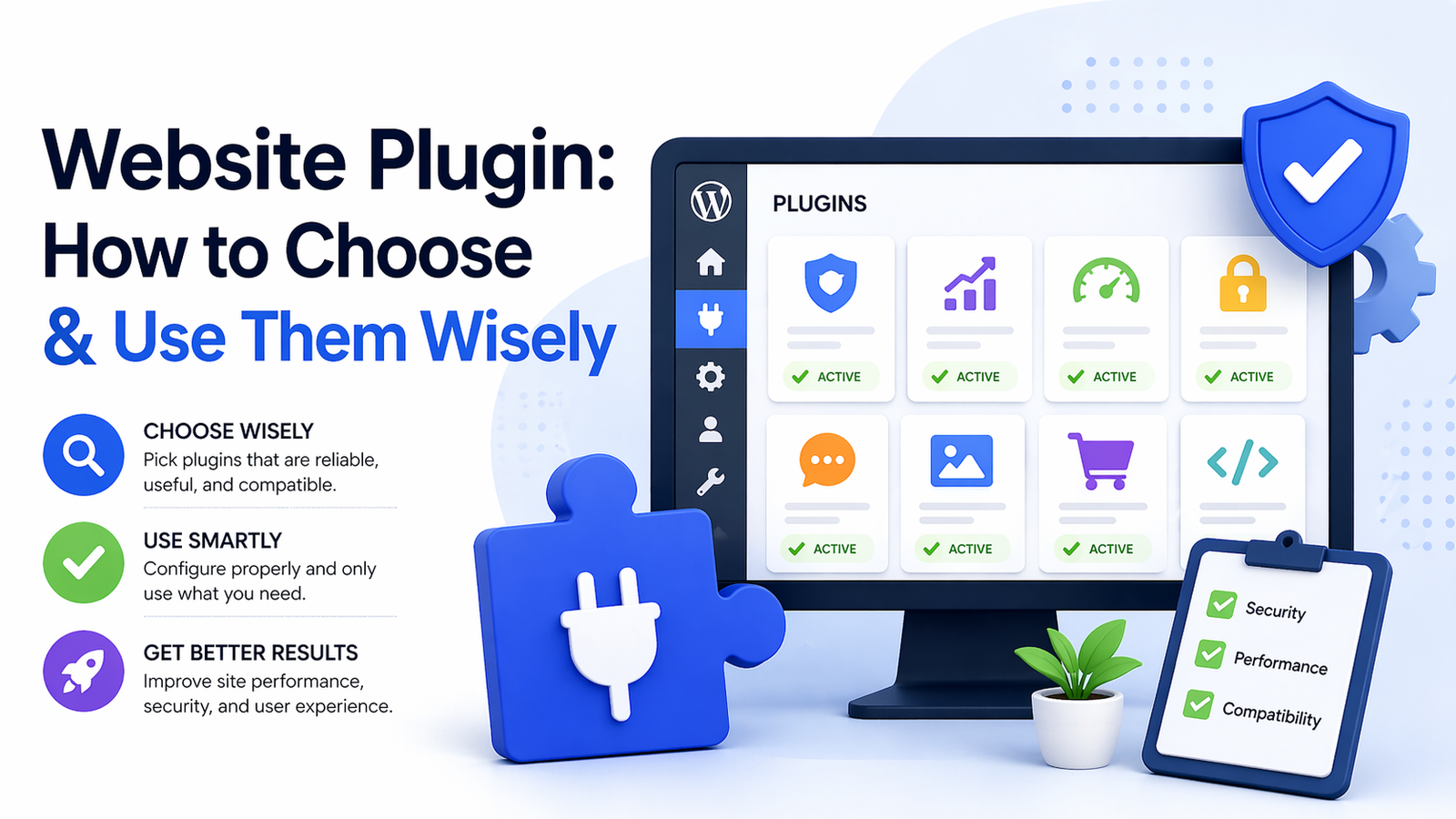
Website Plugin: How to Choose, Use & Avoid the Wrong Ones
The right plugins make your site faster, safer, and smarter. The wrong ones quietly destroy your rankings. Here’s how to tell the difference.
A website plugin is one of the most powerful tools available to website owners — and one of the most misunderstood. Used correctly, plugins extend your site’s functionality without writing a single line of code.
Used carelessly, they bloat your site, open security holes, tank your page speed, and — in the worst cases — contribute to the kind of performance issues that trigger Google ranking drops.
This guide covers everything you need to know: what plugins actually do, which ones are worth installing, which ones to avoid, and how they connect to your overall SEO and site health.
📋 Table of Contents
What Is a Website Plugin?
A website plugin is a piece of software you install on your site — most commonly on WordPress — that adds a specific feature or function. Think of it like an app you install on your phone: it extends what your device can do without changing the operating system itself.
With over 60,000 plugins available in the WordPress plugin directory alone, the options are vast. You can add contact forms, SEO tools, eCommerce stores, security firewalls, caching systems, and much more — all without touching code.
That accessibility is a double-edged sword. Anyone can install anything — and many site owners do, often without understanding the performance or security trade-offs they’re accepting.
💡 Did You Know: The average WordPress website runs 20–30 active plugins. Most performance audits find at least 30% of them are redundant, outdated, or conflicting with each other.
Types of Plugins Every Website Needs
Not all plugins are created equal. Some are foundational — every serious website should have them. Others are situational, and many are simply unnecessary weight dragging your site down.
There are five core categories worth thinking about: SEO, performance/caching, security, backup, and forms/conversion. Each category has a handful of trusted, well-maintained options that the WordPress community has tested extensively over time.
🔍 SEO
Yoast SEO, Rank Math — for sitemaps, meta tags, and structured data
⚡ Performance
WP Rocket, LiteSpeed Cache — for caching, minification, and lazy load
🔒 Security
Wordfence, Solid Security — for firewalls, malware scanning, and login protection
💾 Backup
UpdraftPlus, BlogVault — automated offsite backups you can restore in minutes
SEO Plugins: What They Do & Which to Use
An SEO plugin handles the technical groundwork that helps Google properly read, index, and rank your content. This includes generating XML sitemaps, managing canonical tags, adding structured data markup, and editing meta titles and descriptions — all from a simple dashboard.
Yoast SEO and Rank Math are the two dominant choices. Both handle the core requirements well — Rank Math edges ahead on features in its free tier, while Yoast has a longer track record and larger support community.
Whichever you choose, use only one SEO plugin at a time. Running two simultaneously creates duplicate sitemaps, conflicting meta tags, and can confuse Google’s crawler — causing indexation issues that are slow and painful to undo.
🔗 Related: Struggling with slow load times even after installing a caching plugin? Website Ka Doctor’s performance audit identifies exactly what’s causing the issue.
Speed & Performance Plugins
A performance plugin is one of the highest-impact additions you can make to a WordPress site. Tools like WP Rocket handle page caching, browser caching, file minification, lazy loading, and CDN integration — all from one interface.
LiteSpeed Cache is a strong free alternative, particularly if your hosting runs on LiteSpeed servers. For image-specific optimisation, combining your caching plugin with ShortPixel for WebP conversion covers most of the performance basics.
The goal is to score Good across all three Core Web Vitals — LCP under 2.5s, INP under 200ms, and CLS under 0.1. Run your site through Google PageSpeed Insights before and after to measure the actual improvement.
Security Plugins That Actually Work
WordPress powers over 40% of the web, which makes it a constant target for automated attacks. A security plugin creates a protective layer — blocking malicious bots, scanning for malware, and alerting you to suspicious activity before real damage is done.
Wordfence is the most widely used security plugin, with a web application firewall and real-time malware scanner built in. Solid Security (formerly iThemes Security) offers strong brute force protection and two-factor authentication.
Security plugins also reduce server load from bot traffic — meaning fewer wasted resources on your hosting, which translates directly to better response times for real visitors.
Plugin Mistakes That Quietly Hurt Your Rankings
Most plugin-related problems don’t announce themselves. They quietly degrade performance over weeks and months until you notice traffic dropping or your PageSpeed score falling.
The most common mistakes include: installing too many plugins that load scripts on every page, running outdated plugins that haven’t been updated in over a year, and using page builder plugins that generate excessive CSS and JavaScript bloat.
A good rule of thumb — if a plugin hasn’t been updated in 12 months or more, treat it as a risk. Check the WordPress plugin repository for last updated dates, active installs, and user ratings before installing anything new.
⚠️ Red Flags When Choosing a Plugin
- Last updated more than 12 months ago
- Not tested with your current WordPress version
- Fewer than 1,000 active installs with no reviews
- Loads scripts and styles on every page, even where unused
- No dedicated support forum or documentation
Plugins, Bloat & Google Recovery
Plugin bloat is one of the most underdiagnosed reasons websites lose rankings after a Google algorithm update. Sites that rely on heavy page builders, multiple sliders, or stacked form plugins often fail Core Web Vitals — and that failure now directly impacts where they appear in search results.
Many sites that identify as google recovery sites — meaning they experienced a significant drop in organic traffic post-update — find that trimming, replacing, or reconfiguring plugins was a key part of their recovery. It’s not glamorous work, but it’s highly effective.
Start your plugin audit in Google Search Console — check the Core Web Vitals report to identify underperforming URLs, then trace the heaviest script loads back to their source plugins using GTmetrix or PageSpeed Insights.
✅ Plugin Health Checklist
- ✔ Audit all active plugins — remove anything unused or redundant
- ✔ Keep all plugins updated to their latest stable version
- ✔ Use only one SEO plugin — never run two simultaneously
- ✔ Install a caching plugin (WP Rocket or LiteSpeed Cache)
- ✔ Add a security plugin with an active firewall (Wordfence)
- ✔ Check PageSpeed Insights after any new plugin installation
- ✔ Never install plugins not updated in 12+ months
Website Ka Doctor
Not Sure Which Plugins Are Helping or Hurting?
We audit your entire plugin stack — identifying conflicts, performance drains, security risks, and redundancies — and replace them with lean, purpose-built solutions.
Whether you’re recovering from a Google ranking drop or just want a cleaner, faster site — we know exactly what to fix and how.
No commitment needed · Detailed report within 24 hours
Final Thoughts
A well-chosen website plugin stack is genuinely one of the most powerful levers you have over your site’s performance, security, and search visibility. But it only works if you’re intentional about it.
Install fewer, better plugins. Keep them updated. Measure the impact of every addition using PageSpeed Insights and Google Search Console. And audit your existing stack at least once every six months.
If you’d rather have experts handle the full audit and fix — Website Ka Doctor is here for exactly that. We treat your website like a patient, diagnosing every issue and prescribing only what it actually needs.
Website Ka Doctor
We specialise in WordPress plugin audits, website performance, SEO health, and Core Web Vitals — so your site ranks well, loads fast, and stays secure.