Search Engine Optimisation · Content Management · Rankings
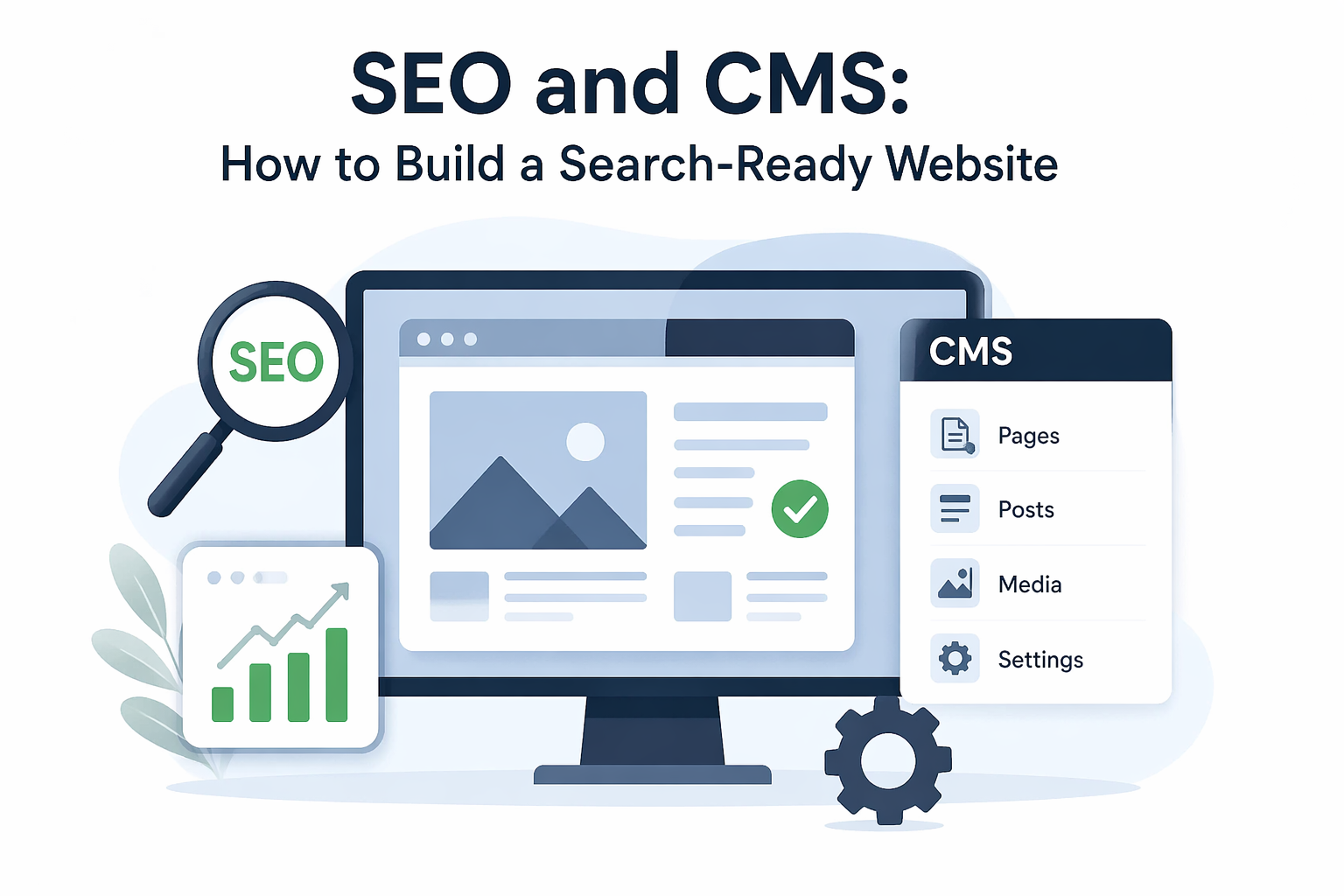
SEO and CMS: How to Build a Website That Google Actually Ranks
Your CMS is the foundation your SEO stands on. Choose wrong — or configure it poorly — and no amount of content will get you ranking.
Most businesses focus on keywords, backlinks, and content — but completely overlook the platform those efforts are built on. The relationship between SEO and CMS is foundational, not optional.
A well-configured content management system gives search engines exactly what they need: clean URLs, fast load times, structured data, and crawlable architecture. A poorly chosen or misconfigured CMS quietly sabotages all your other SEO work.
In this guide, we’ll break down how SEO and CMS connect, which platforms perform best in search, and what settings and practices you need to have in place to rank consistently on Google.
📋 Table of Contents
What Is CMS SEO and Why Does It Matter?
A Content Management System (CMS) is the software you use to build and manage your website — WordPress, Shopify, Webflow, Wix, and Joomla are all examples. CMS SEO refers to how well your chosen platform supports the technical and on-page requirements that Google looks for.
Not all CMS platforms are built with search in mind. Some generate bloated HTML, poor URL structures, or slow page loads right out of the box — and these issues directly hurt your ability to rank, no matter how good your content is.
According to Google’s own SEO Starter Guide, crawlability, mobile-friendliness, and page experience are among the most critical factors — all of which are directly shaped by your CMS and its configuration.
💡 Did You Know: WordPress powers over 43% of all websites on the internet — and remains the most SEO-friendly CMS when properly configured, according to W3Techs.
Best CMS Platforms for SEO in 2026
Choosing the right CMS is one of the most important SEO decisions you’ll make. The platform you build on determines what’s possible — and what’s a constant uphill battle.
Here’s how the major platforms compare from an SEO perspective:
WordPress
The gold standard for SEO. With plugins like Yoast SEO or Rank Math, you get full control over meta tags, sitemaps, schema, breadcrumbs, and more. Massive plugin ecosystem for any technical SEO need.
Shopify
Strong for e-commerce SEO with clean product URLs, auto-generated sitemaps, and good mobile performance. Some limitations on URL structure and duplicate content management that require workarounds.
Webflow
Excellent for clean, semantic HTML output and fast page loads. Built-in SEO controls for meta tags, redirects, and canonical tags. A strong choice for design-led businesses that prioritise performance.
Wix
Has improved significantly but still lags behind WordPress and Webflow for advanced technical SEO. Good for small, local businesses that need simplicity over full SEO control.
Essential On-Page SEO Settings in Your CMS
Regardless of which CMS you use, there’s a core set of on-page SEO settings that every website needs to have properly configured before you publish a single piece of content.
Meta titles and descriptions should be unique for every page, include your target keyword naturally, and be written for humans first — not just search engines. Google uses these to decide what to show in search results, and they directly influence your click-through rate.
Heading structure (H1 through H3), image alt text, and keyword-rich but readable URLs are all configured at the CMS level. Getting these right from the start means every page you publish is already optimised by default.
🔗 Related: Struggling with slow page speeds on top of SEO issues? Website Ka Doctor covers both — explore our full website health services and get your site performing at its best.
Technical SEO Your CMS Must Support
Technical SEO is what makes your site readable and rankable for Google’s crawlers — and your CMS either supports it cleanly or fights you every step of the way.
At minimum, your CMS must allow you to generate and submit an XML sitemap, configure robots.txt, set canonical tags to prevent duplicate content, and implement 301 redirects for moved or deleted pages. These aren’t optional — they’re the baseline, as outlined in Google’s sitemap documentation.
Structured data (schema markup) is the next layer — it helps Google understand what your content is about and can unlock rich results like star ratings, FAQs, and product information in search. WordPress handles this via plugins; Webflow and Shopify offer partial native support.
🛠 Technical SEO Checklist for Any CMS
- ✔ XML sitemap generated and submitted to Google Search Console
- ✔ robots.txt configured — no important pages accidentally blocked
- ✔ Canonical tags set to prevent duplicate content issues
- ✔ 301 redirects in place for any moved or deleted URLs
- ✔ HTTPS (SSL) enabled across all pages
- ✔ Schema markup implemented for key content types
- ✔ Mobile-responsive design confirmed across all templates
Content Structure and Internal Linking
How you organise content inside your CMS has a direct impact on how Google understands and crawls your site. A clear content hierarchy — with pillar pages, topic clusters, and supporting articles — tells search engines which pages matter most.
Internal linking is the glue that holds your content strategy together. Every time you link from one page to another using descriptive anchor text, you’re passing authority and helping Google discover related content. Moz’s guide to internal linking is a solid resource for understanding how to structure this effectively.
Your CMS should make it easy to link between pages, set up category structures, and use breadcrumb navigation — all of which signal content relationships to search engines and improve user experience simultaneously.
CMS Issues and Google Recovery
A surprising number of Google ranking drops can be traced directly back to CMS-level problems — not content quality. Sites that operated as google recovery sites after algorithm updates often discovered that their CMS was producing duplicate pages, broken redirects, or blocking key URLs via robots.txt.
Platform migrations are another major risk. Moving from one CMS to another — say, from Wix to WordPress — without a proper redirect strategy can wipe out years of accumulated search equity overnight. Google’s guidance on redirects is essential reading before any migration.
If you’ve experienced a ranking drop, start with a full technical audit in Google Search Console. Check for crawl errors, coverage issues, and manual actions before looking at content — the CMS is often the culprit.
💡 Pro Tip: After fixing any CMS-level SEO issue, always request re-indexing of affected pages in Google Search Console. This accelerates the recovery timeline from weeks to days in many cases.
Website Ka Doctor
Your CMS Should Work With Your SEO — Not Against It.
We audit your CMS setup, fix technical SEO issues, optimise your on-page settings, and build the right content structure to help you rank — and stay ranked.
Whether you’ve lost rankings or are starting from scratch, our team at Website Ka Doctor delivers end-to-end SEO and CMS services that get real results.
No commitment needed · Detailed findings within 24 hours
Final Thoughts
The connection between SEO and CMS is one of the most underrated factors in digital marketing. Your content strategy, keyword research, and link building can all be undermined by a platform that isn’t configured to support them.
Choose a CMS that gives you technical control, audit it regularly, and treat your content architecture as seriously as the content itself. The sites that rank consistently are the ones where the platform and SEO strategy are built to work together.
If you need an expert to assess where your CMS is holding your SEO back — and fix it — Website Ka Doctor is here for exactly that. We diagnose the issues others miss and build the foundation your rankings need.
Website Ka Doctor
We specialise in CMS configuration, technical SEO, content structure, and Google recovery — so your website is built to rank from the ground up.