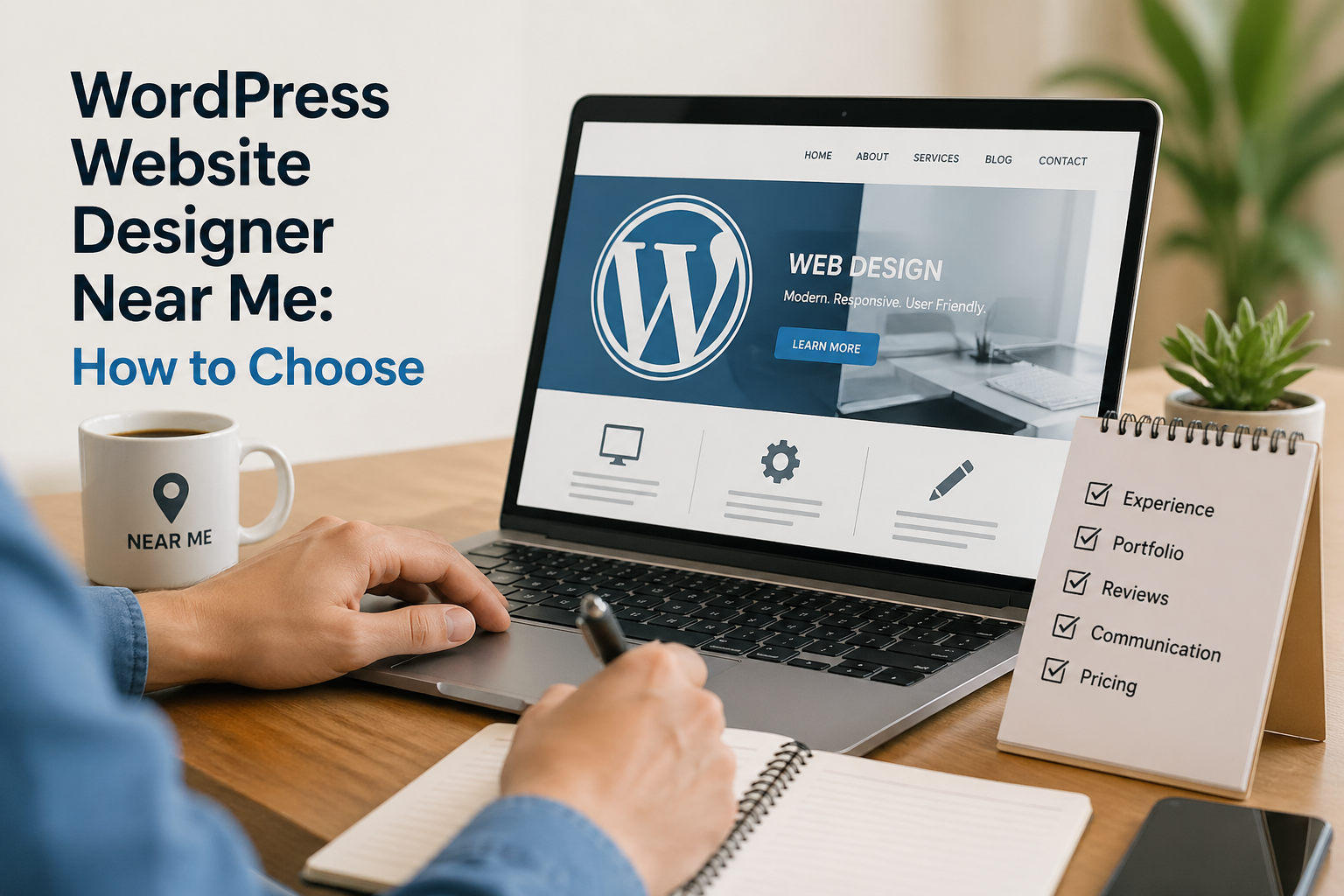
WordPress Design · Custom Websites · Local Experts
WordPress Website Designer Near Me: How to Find the Right One (and What to Avoid)
Most designers can build a WordPress site. Far fewer can build one that looks great, loads fast, ranks on Google, and actually grows your business.
Typing “WordPress website designer near me” into Google returns hundreds of results — freelancers, agencies, and everything in between. Choosing the wrong one can cost you months of time, thousands of rupees, and a website that underperforms from day one.
The right WordPress designer doesn’t just make your site look good. They understand how design, speed, and SEO work together — so your site doesn’t just launch, it performs.
This guide walks you through exactly what to look for, what questions to ask, and what red flags to avoid — so you make the right hire the first time.
📋 Table of Contents
- Why WordPress Is Still the Smart Choice
- WordPress Design vs. Development — Know the Difference
- What to Look for in a WordPress Designer
- Questions You Must Ask Before Hiring
- Why Design, Speed & SEO Must Work Together
- Red Flags to Watch Out For
- Bad Design & Google Recovery Sites
- Work with Website Ka Doctor
Why WordPress Is Still the Smart Choice in 2026
WordPress powers over 43% of all websites on the internet — and for good reason. It’s flexible, scalable, SEO-friendly out of the box, and supported by the largest ecosystem of themes, plugins, and developers in the world.
Whether you need a simple business website, a WooCommerce store, a membership portal, or a multi-page service site — WordPress handles it all without locking you into a proprietary platform you can’t control.
The challenge isn’t the platform itself. It’s finding a WordPress website designer who knows how to use it properly — not just install a theme and call it done.
💡 Quick Fact: WordPress.org is open source, free to use, and backed by a global community of developers — giving you full ownership of your website without subscription lock-in.
WordPress Design vs. Development — Know the Difference
These two terms are often used interchangeably, but they’re not the same thing — and confusing them is one of the most common mistakes people make when hiring.
WordPress design focuses on how your site looks and feels — layout, typography, colour palette, visual hierarchy, and user experience. A good designer makes sure every page is intuitive, on-brand, and built to convert visitors into customers.
WordPress development is the technical layer — custom code, plugin integration, database logic, API connections, and performance engineering. The best professionals overlap in both areas, and that’s exactly who you want working on your site.
🎨 WordPress Designer
- Layouts & visual structure
- Brand identity & typography
- UX & mobile responsiveness
- Page builder customisation
- Conversion-focused design
⚙️ WordPress Developer
- Custom theme & plugin coding
- Speed & performance tuning
- API & third-party integrations
- Security hardening
- Database & hosting setup
What to Look for in a WordPress Website Designer
Start with their portfolio. A strong WordPress designer will have live, working websites you can visit — not just screenshots. Click through them, check the load speed, and see how they feel on mobile.
Look for designers who ask about your business goals before they talk about design. A website that looks beautiful but doesn’t convert, rank, or load quickly is a failed project — regardless of how it appears.
Also check for ongoing support. Websites need maintenance, updates, and occasional fixes after launch. A designer who disappears post-delivery leaves you stranded — and that’s far more common than it should be.
Questions You Must Ask Before Hiring
Most people ask “how much does it cost?” and stop there. That’s the wrong starting point. Before discussing price, ask these questions to understand what you’re actually getting.
Ask whether the design will be built on a page builder like Elementor or Bricks, or on a custom theme — both have trade-offs in speed and flexibility that directly affect your site’s long-term performance. According to Kinsta’s page builder guide, your choice here matters more than most people realise.
Also ask who owns the site files and hosting after delivery. You should always own your own domain, hosting account, and WordPress files — any designer who retains control as leverage is a serious red flag.
❓ 6 Questions to Ask Every WordPress Designer
- Can I see 3 live websites you’ve built recently?
- Will my site be optimised for mobile and Core Web Vitals?
- Do you handle SEO setup — titles, schema, sitemaps?
- What page builder or theme framework do you use, and why?
- Who owns the domain, hosting, and site files after launch?
- What does post-launch support look like?
🔗 Related: A poorly built WordPress site often fails a technical audit. Website Ka Doctor provides full website audit and repair services for sites that weren’t built right the first time.
Why Design, Speed & SEO Must Work Together
This is where most cheap WordPress designers fall short. Design, speed, and SEO are not separate workstreams — they’re deeply interconnected, and a failure in one damages the others.
A beautifully designed site packed with unoptimised images and bloated plugins will fail Google’s Core Web Vitals — hurting your rankings before your first visitor even arrives. Your designer needs to understand LCP, CLS, and INP as part of the build process, not as an afterthought.
On-page SEO must also be embedded from the start — proper heading structure, schema markup, clean URLs, optimised meta tags, and a fast server with CDN support via Cloudflare or equivalent. These aren’t extras — they’re fundamentals.
Red Flags to Watch Out For
Not every WordPress designer who ranks for “WordPress website designer near me” actually deserves to be there. Some common warning signs can save you from a very expensive mistake.
Be cautious of designers who can’t show you live portfolio sites, who quote unusually low prices without scoping the work, or who promise unrealistic timelines like “your site will be ready in 2 days.” Quality work takes time — especially when it needs to perform long-term.
Also avoid anyone who can’t explain their process for speed optimisation, mobile testing, or SEO setup. If a designer looks blank when you mention PageSpeed Insights or Core Web Vitals, that’s your answer.
Bad Design & Google Recovery Sites
Poorly built WordPress websites are one of the leading causes of Google ranking drops. Bloated themes, excessive plugins, broken redirects, and unoptimised code all send negative signals to Google’s crawlers — and the damage accumulates quietly over time.
Many sites that become google recovery sites — having lost traffic after an algorithm update — trace their problems back to a badly designed WordPress build from years earlier. The design looked fine to the human eye, but was technically broken underneath.
If your site has lost rankings after a redesign or update, start with Google Search Console to identify what’s been flagged. A proper technical audit will then confirm the root cause — and chart the fastest path to recovery.
✅ What a Good WordPress Design Project Delivers
- ✔ Custom design aligned with your brand identity and goals
- ✔ Mobile-first, responsive layout tested across all screen sizes
- ✔ Core Web Vitals compliant — LCP, INP & CLS in “Good” range
- ✔ On-page SEO setup — titles, meta tags, schema, clean URLs
- ✔ Image optimisation, caching & CDN integration from day one
- ✔ Security hardening, SSL, and plugin hygiene
- ✔ Full ownership of domain, hosting, and site files handed over to you
Website Ka Doctor
We Build WordPress Websites That Actually Perform.
Our WordPress design service combines beautiful custom design with technical precision — speed optimisation, SEO setup, mobile testing, and full Core Web Vitals compliance, all built in from the start.
Whether you need a brand-new WordPress website or a full rebuild of an underperforming one — we deliver sites that look great, load fast, and rank on Google.
Free consultation · No obligation · Results-focused
Final Thoughts
Finding the right WordPress website designer near you is less about geography and more about expertise. The designer who understands both design and performance — and asks the right questions about your business — is the one worth hiring.
Take your time, check portfolios carefully, ask the hard questions, and don’t let a low price be the deciding factor. A website built properly the first time saves you far more than the cost difference.
At Website Ka Doctor, we’ve built and fixed hundreds of WordPress websites — and we approach every project the same way: understand the goal, build it right, and make sure it performs long after launch.
Website Ka Doctor
We design, build, audit, and repair WordPress websites — combining elegant design with technical performance so your site looks great and ranks even better.