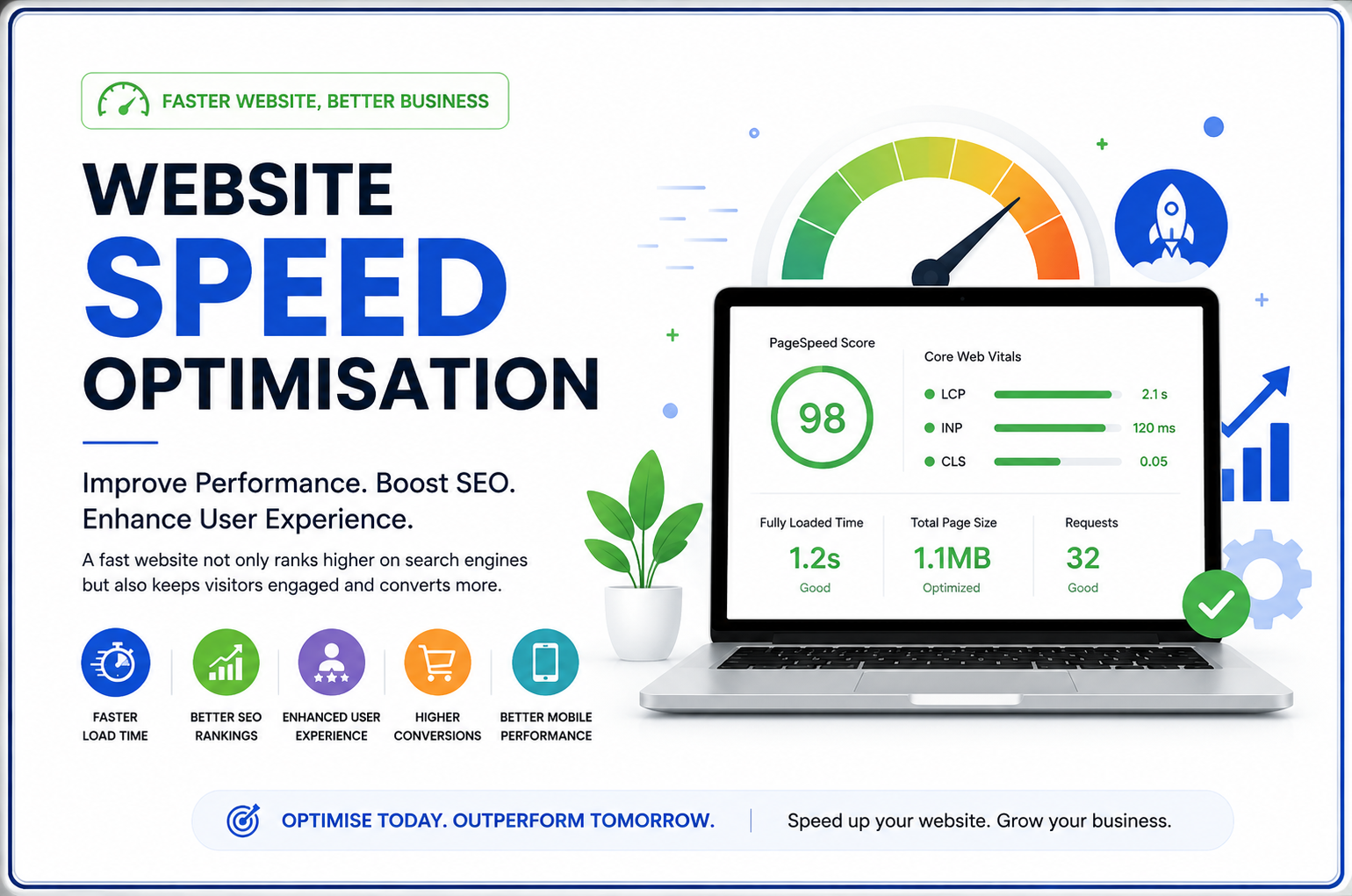
Website Speed Optimization: Complete Guide to Improve Website Performance in 2026
In today’s fast-paced digital ecosystem, visitors expect web pages to render almost instantaneously. If your site takes more than a couple of seconds to load, potential customers will leave before ever seeing your content. Mastering Website Speed Optimization is no longer just a technical luxury—it is a critical foundation for digital growth, search visibility, and revenue generation.
A fast website directly impacts user experience, search engine rankings, conversion rates, and mobile user engagement. Whether you run a corporate site, an e-commerce platform, or a WordPress blog, optimizing your website loading speed ensures that visitors stay engaged and convert into loyal clients. Let’s explore everything you need to know about website performance optimization to keep your platform competitive in 2026.
What is Website Speed Optimization?
Website Speed Optimization is the technical process of auditing, refactoring, and refining web pages to reduce file sizes, decrease server response times, and minimize loading duration. It involves streamlining how browsers request, process, and render code, images, scripts, and database queries.
To accurately measure website performance, web developers and SEO specialists rely on key user-centric performance metrics:
- Page Load Time: The total time taken for a page to completely download and display in the browser.
- Time to First Byte (TTFB): The duration from when a client makes an HTTP request to when the first byte of data is received from the server.
- Largest Contentful Paint (LCP): Measures perceived loading speed by recording when the main content block renders on screen.
- First Input Delay (FID): Tracks page responsiveness during initial user interaction.
- Interaction to Next Paint (INP): A crucial Core Web Vital measuring overall page responsiveness to all user interactions (clicks, taps, and keypresses).
- Cumulative Layout Shift (CLS): Measures visual stability by quantifying unexpected layout shifts during load time.
Why Website Speed is Important for Your Business
Optimizing your website loading time yields direct financial and operational benefits across all digital marketing channels:
- Better Google Rankings: Search engines like Google explicitly prioritize fast-loading sites, rewarding pages that meet strict Core Web Vitals thresholds.
- Better User Experience: Visitors enjoy smooth, effortless browsing without frustrating delays.
- Higher Conversions & Sales: Every millisecond saved increases checkout completions and form submissions.
- Reduced Bounce Rate: Faster rendering prevents users from abandoning your page prematurely.
- Better Mobile Experience: Essential for mobile users browsing on limited data or variable cellular networks.
- Improved Website Security & Stability: Optimized code bases reduce server strain and safeguard against crashing under traffic surges.
⚡ Pro Tip: A 1-second delay in page load time can reduce conversions by up to 7%. Speed directly impacts your bottom line!
Signs Your Website is Slow
If you suspect your digital presence is failing user expectations, watch out for these common red flags:
- Pages take longer than 2.5 seconds to render fully.
- Images load progressively in visible steps or pop in late.
- Analytics show a high bounce rate on entry pages.
- Poor scores on Google PageSpeed Insights tests.
- Sluggish mobile device performance compared to desktop.
- Noticeable server response delays (high TTFB).
- Checkout delays or sluggish add-to-cart actions on e-commerce sites.
Common Reasons Behind Slow Websites
Understanding why your platform lags is the first step toward effective website performance optimization:
Large Images: Uncompressed or oversized images consume massive bandwidth, slowing down rendering significantly.
Too Many Plugins: Excess active plugins—especially outdated or poorly coded ones—add heavy database overhead and script weight.
Poor Hosting Infrastructure: Budget shared hosting server resources often fail to handle concurrency, causing high latency.
Unoptimized Database: Accumulating post revisions, spam comments, and transient options clogs database queries over time.
Heavy JavaScript & Render-Blocking CSS: Unused or unminified scripts block the browser main thread while parsing.
No Caching Mechanisms: Re-rendering pages dynamically for every request wastes critical CPU cycles.
Missing CDN: Serving assets from a single geographic server increases latency for international audiences.
Too Many HTTP Requests: Loading dozens of independent style files, scripts, and fonts creates unnecessary network congestion.
Best Website Speed Optimization Techniques
1. Image Optimization
Compress images using WebP or AVIF formats. Resize oversized visuals to exact display dimensions before upload to conserve bandwidth.
2. Browser & Page Caching
Implement static page caching and leverage browser storage headers so returning visitors load cached copies instantly.
3. Minify CSS & JavaScript
Strip whitespace, comments, and redundant characters from CSS and JS files to shrink total download payloads.
4. Enable GZIP or Brotli Compression
Compress text resources at the server level prior to transmission across the network to drastically reduce file sizes.
5. Utilize a Content Delivery Network (CDN)
Distribute static files across global edge servers to serve content from locations closest to end-users.
6. Optimize Web Fonts
Limit font weights, self-host typography, and use font-display: swap; to prevent invisible text during font loading.
7. Implement Lazy Loading
Defer loading offscreen images, videos, and iFrames until users scroll down to their location.
8. Database Optimization
Regularly clean overhead data, optimize tables, and prune expired transients to keep database queries lightning fast.
9. WordPress Optimization & Plugin Management
Deactivate unnecessary plugins, update active tools, and perform routine WordPress website repair to resolve hidden scripts slowing your system down.
10. Update PHP & Hosting Environment
Keep your server running modern PHP versions (8.2+) to benefit from engine efficiency gains and improved execution speeds.
11. Enable HTTP/2 or HTTP/3 Protocol
Upgrade server transport protocols to allow concurrent multiplexed asset downloads over a single TCP connection.
Best Free Tools to Test Website Speed
Consistently running a comprehensive website speed test allows you to pinpoint performance bottlenecks. Here is a comparison of top diagnostic tools:
| Tool | Best For | Free Option |
|---|---|---|
| Google PageSpeed Insights | Core Web Vitals & Mobile Diagnostics | Yes (100% Free) |
| GTmetrix | Waterfall Diagrams & Loading Timelines | Yes (Free Tier) |
| Pingdom Tools | Quick Load Time Checks by Location | Yes (Free Tier) |
| WebPageTest | Advanced Engineering Deep Dives & Video Capture | Yes (Free Tier) |
| Lighthouse | Local Browser Performance Audits | Yes (Built into Chrome) |
Website Speed Optimisation Checklist
Use this actionable checklist to keep your platform fast:
- ✔ Compress all uploaded images to Next-Gen formats (WebP/AVIF).
- ✔ Configure static page caching via server or plugin.
- ✔ Minify HTML, CSS, and JS script payloads.
- ✔ Enable GZIP or Brotli server-side compression.
- ✔ Integrate a global Content Delivery Network (Cloudflare or similar).
- ✔ Enable native lazy loading on images and iFrames.
- ✔ Remove unused or redundant plugins and themes.
- ✔ Clean database overhead and optimize tables monthly.
- ✔ Upgrade hosting server hardware and switch to PHP 8.2+.
- ✔ Optimize web fonts and eliminate render-blocking CSS.
- ✔ Ensure HTTPS and enable HTTP/2 or HTTP/3 multiplexing.
- ✔ Perform continuous website performance monitoring and audits.
Why Hire Professional Website Speed Optimisation Services?
While basic caching plugins can provide quick relief, deep performance bottlenecks require advanced engineering interventions. Partnering with a skilled website speed expert guarantees error-free execution and long-lasting performance gains.
Professional technical optimization delivers distinct advantages:
- Faster Results: Expert technicians diagnose root causes rapidly without trial and error.
- Error-Free Implementation: Avoid site breakage, broken layout grids, or dysfunctional scripts during JavaScript minification.
- Advanced Optimizations: Critical CSS extraction, server-level tuning, and custom database indexing.
- Better Core Web Vitals Passing Rates: Comprehensive refactoring designed specifically to satisfy strict Google search criteria.
Trusted specialists like Website Ka Doctor offer specialized website optimization services, continuous website maintenance services, and tailored website bug fixing solutions to ensure your portal remains blazingly fast and secure.
Frequently Asked Questions (FAQs)
How fast should a website load?
Ideally, a web page should load in under 2 seconds. According to Google guidelines, achieving an LCP under 2.5 seconds ensures a good user experience.
What affects website speed most?
The biggest factors include oversized uncompressed images, unoptimized web hosting, heavy render-blocking scripts, and lack of browser caching.
How often should I optimize my website?
Perform a quick website speed audit monthly, and execute deep technical maintenance quarterly or whenever adding major content and plugin additions.
Does website speed directly affect SEO?
Yes. Google explicitly uses page load speed and Core Web Vitals metrics as ranking factors for both desktop and mobile search results.
What are Google Core Web Vitals?
Core Web Vitals are standardized web metrics from Google evaluating loading performance (LCP), visual stability (CLS), and page interactivity (INP).
Is web caching really important?
Absolutely. Caching pre-renders dynamic content into static HTML, saving significant processing power and shortening TTFB dramatically.
Can WordPress websites be optimized effectively?
Yes, WordPress platforms can achieve near-100 scores on speed test tools with proper caching, database maintenance, and specialized WordPress speed optimization techniques.
How much improvement can speed optimization make?
Comprehensive speed optimization can reduce loading time by up to 60-80%, boosting organic traffic, conversions, and user retention instantly.
Conclusion
Comprehensive Website Speed Optimisation is crucial for ensuring online success in 2026. Prioritizing a fast website leads directly to better SEO rankings, enhanced user engagement, lower bounce rates, and increased conversions. By resolving common technical issues, managing heavy media assets, and implementing proper caching frameworks, you can easily deliver a seamless digital experience across all devices.
Don’t let a slow website hinder your online business growth. Regularly test your site using trusted tools like Google PageSpeed Insights, follow our optimization checklist, and take action to upgrade your performance infrastructure today.
Is a Slow Website Costing You Traffic and Revenue?
Get a comprehensive technical assessment from top performance engineering specialists. Optimize your site for maximum speed, security, and ranking success.