Website Security · Malware Removal · Google Recovery
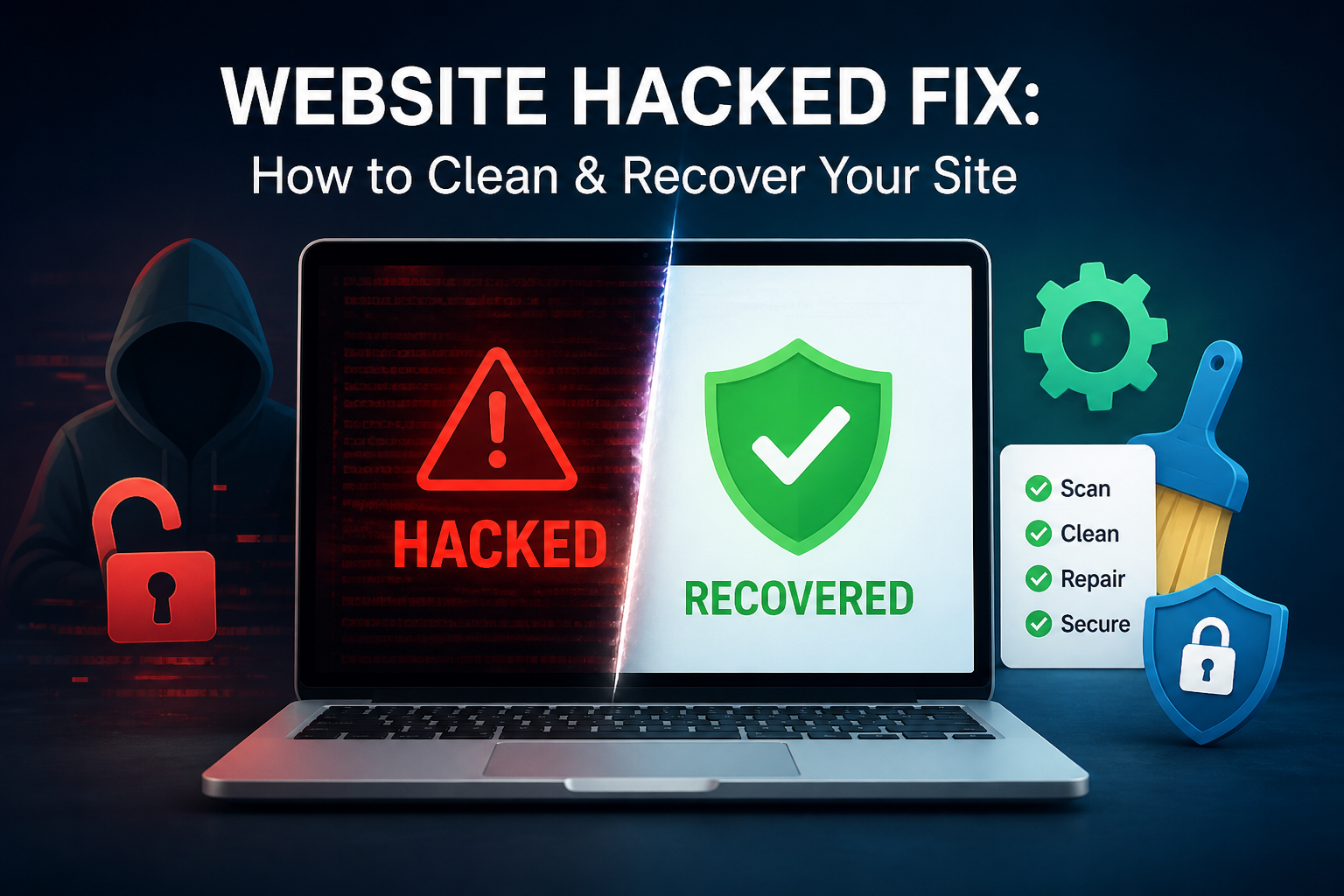
Website Hacked Fix: How to Clean, Recover, and Protect Your Site in 2026
Getting hacked is terrifying — but it’s not the end. Here’s a clear, step-by-step guide to take back control of your website fast.
Discovering your website has been hacked is one of the most stressful moments a business owner can face. Your site may be showing strange content, redirecting visitors elsewhere, or worse — Google may have already flagged it with a “This site may be hacked” warning.
The good news? A website hacked fix is absolutely achievable — even if you’re not technical. What matters most is acting quickly, following the right steps in the right order, and not making changes that could accidentally destroy evidence or make recovery harder.
This guide covers everything — how to confirm the hack, how to clean your site, how to restore your Google rankings, and how to lock your site down so it never happens again.
📋 Table of Contents
How to Confirm Your Website Has Been Hacked
Before you do anything, you need to know exactly what you’re dealing with. Hacks can range from invisible malware injections to full defacements — and the cleanup approach differs depending on the type of attack.
Start by checking Google Search Console — go to the Security Issues report. Google is often the first to detect and flag hacked pages, and this report tells you exactly which URLs are affected and what kind of issue has been detected.
You can also run your URL through Sucuri SiteCheck — a free tool that scans your site for known malware signatures, blacklist status, and injected scripts. It takes under a minute and gives you an immediate picture of the damage.
🚨 Common Signs Your Site Has Been Compromised:
🔀
Visitors redirected to spam or adult sites
⚠️
Google “Deceptive site ahead” warning
💊
Strange pages appearing in Google (pharma hack)
🔒
Locked out of your admin panel
Immediate Steps to Take Right Now
Speed matters here. Every hour a hacked site stays live, more visitors are exposed to malware, more pages get crawled by Google with malicious content, and the harder the cleanup becomes. Act immediately.
First, put your site into maintenance mode or take it temporarily offline if possible — this limits damage to your visitors. Then change every password associated with the site: your hosting panel, FTP, database, CMS admin, and any connected email accounts.
Contact your hosting provider immediately. Most reputable hosts like SiteGround or Kinsta have security teams that can isolate the infection, snapshot the server, and help identify the entry point — often within hours.
🚨 Critical: Do NOT simply delete files or reinstall your CMS immediately. You may destroy evidence that reveals how the attacker got in — meaning they can get back in just as easily after you clean up.
How to Remove Malware and Malicious Code
Once you’ve contained the situation, it’s time to find and remove what the attacker left behind. This is the most technical part of the process — and where most DIY cleanups go wrong by missing deeply embedded backdoors.
For WordPress sites, install a dedicated security plugin like Wordfence or All-In-One WP Security and run a full file scan. These tools compare your core files against known clean versions and flag any modifications or injected code.
Pay special attention to your wp-config.php, .htaccess, and any recently modified theme or plugin files — these are hackers’ favourite hiding spots for persistent backdoors and redirect scripts.
🔗 Related Read: How to Increase Website Speed After a Hack Recovery — once your site is clean, speed optimisation is the next priority to restore your rankings.
Restoring from a Clean Backup
If you have a verified clean backup from before the hack occurred, restoring from it is often the fastest and most complete route to recovery. A clean backup eliminates all modified files in one go — rather than hunting for individual infected files.
The key word is verified clean. If your backups go back several weeks, you need to confirm the backup predates the hack — which isn’t always obvious, since some attackers sit quietly in a site for weeks before triggering any visible damage.
After restoring, do not simply reactivate the same plugins and themes without updating them first. Outdated plugins are the number one entry point for attackers — according to Patchstack’s security research, over 97% of WordPress vulnerabilities originate in plugins.
💡 Key Fact: Over 30,000 websites are hacked every single day, according to data cited by Forbes. The majority of attacks target known, unpatched vulnerabilities — meaning most hacks are entirely preventable with basic hygiene.
Recovering Your Google Rankings After a Hack
Once your site is clean, the work isn’t done. Google may have already de-indexed affected pages, issued a manual action penalty, or flagged your domain in Safe Browsing — all of which directly kill your organic traffic.
This is where many sites become what SEOs refer to as google recovery sites — businesses fighting to reclaim rankings that were lost not from bad SEO, but from a security incident that damaged Google’s trust in the domain. The recovery process is structured and achievable, but it takes the right steps.
Go to Google Search Console and navigate to the Security Issues report. Once your site is verified clean, click “Request a Review” — this alerts Google to re-evaluate your site. Provide a clear, detailed explanation of what happened, what you found, and exactly what you did to fix it.
Google typically completes reviews within a few days to a few weeks. Once cleared, re-submit your sitemap in Search Console and use the URL Inspection tool to request re-indexing on your most important pages first.
🗺️ Google Recovery Roadmap
Verify site is fully clean via Sucuri SiteCheck + Wordfence scan
Open Security Issues in Google Search Console and request a review
Re-submit your XML sitemap and request indexing for priority pages
Check Google Safe Browsing status at transparencyreport.google.com
Monitor Core Web Vitals and site health weekly for 4–6 weeks post-recovery
Hardening Your Site to Prevent Future Attacks
Cleaning up a hacked site without fixing the underlying vulnerabilities is like changing the locks but leaving a window open. The same attacker — or their automated tools — will be back within weeks.
Start with the basics: update everything — your CMS core, every plugin, and every theme. Then remove any plugins or themes you’re not actively using. Each one is a potential entry point even if it’s just sitting there deactivated.
Enable two-factor authentication on all admin accounts, set file permissions correctly on your server, and install a Web Application Firewall (WAF) like Cloudflare WAF to block malicious traffic before it even reaches your site.
Finally, set up automated daily backups stored in a separate location from your server. If the worst happens again, you’ll have a clean restore point ready within 24 hours — rather than starting from scratch.
✅ Post-Hack Security Hardening Checklist
- ✔ Update CMS core, all plugins, and all themes immediately
- ✔ Delete all unused plugins and themes — even if deactivated
- ✔ Change all passwords: hosting, FTP, database, admin, email
- ✔ Enable two-factor authentication on all admin accounts
- ✔ Install a Web Application Firewall (e.g. Cloudflare WAF)
- ✔ Set correct file permissions (755 for folders, 644 for files)
- ✔ Set up automated daily backups stored off-server
- ✔ Monitor with Wordfence or Sucuri for ongoing threats
Website Ka Doctor
Your Hacked Website, Fixed. Fast.
We specialise in complete website hack recovery — malware removal, clean restoration, Google penalty reversal, and full security hardening.
Whether your site was defaced, redirecting visitors, or blacklisted by Google — our team has seen it all and fixed it all. We act fast, so you lose as little traffic as possible.
🛡️ Get Emergency Hack Recovery Help
Same-day response available · No fix, no fee
Final Thoughts
A hacked website is serious — but it is recoverable. The key is acting quickly, being methodical, and not cutting corners in the cleanup process. Every step skipped is a door left open for the next attack.
Once you’re clean, shift your focus to Google recovery. Use Search Console actively, re-submit your sitemap, and monitor your rankings weekly. Most sites that follow this process correctly see their rankings stabilise within four to six weeks.
If you’d rather have professionals handle the entire website hacked fix — from the initial diagnosis to full Google clearance — Website Ka Doctor is exactly the team you need. We treat hacked websites the way a doctor treats a patient — with precision, urgency, and care.
Website Ka Doctor
We fix hacked websites, recover Google rankings, and harden security — so your site stays clean, trusted, and performing at its best.