⚡ Quick Answer
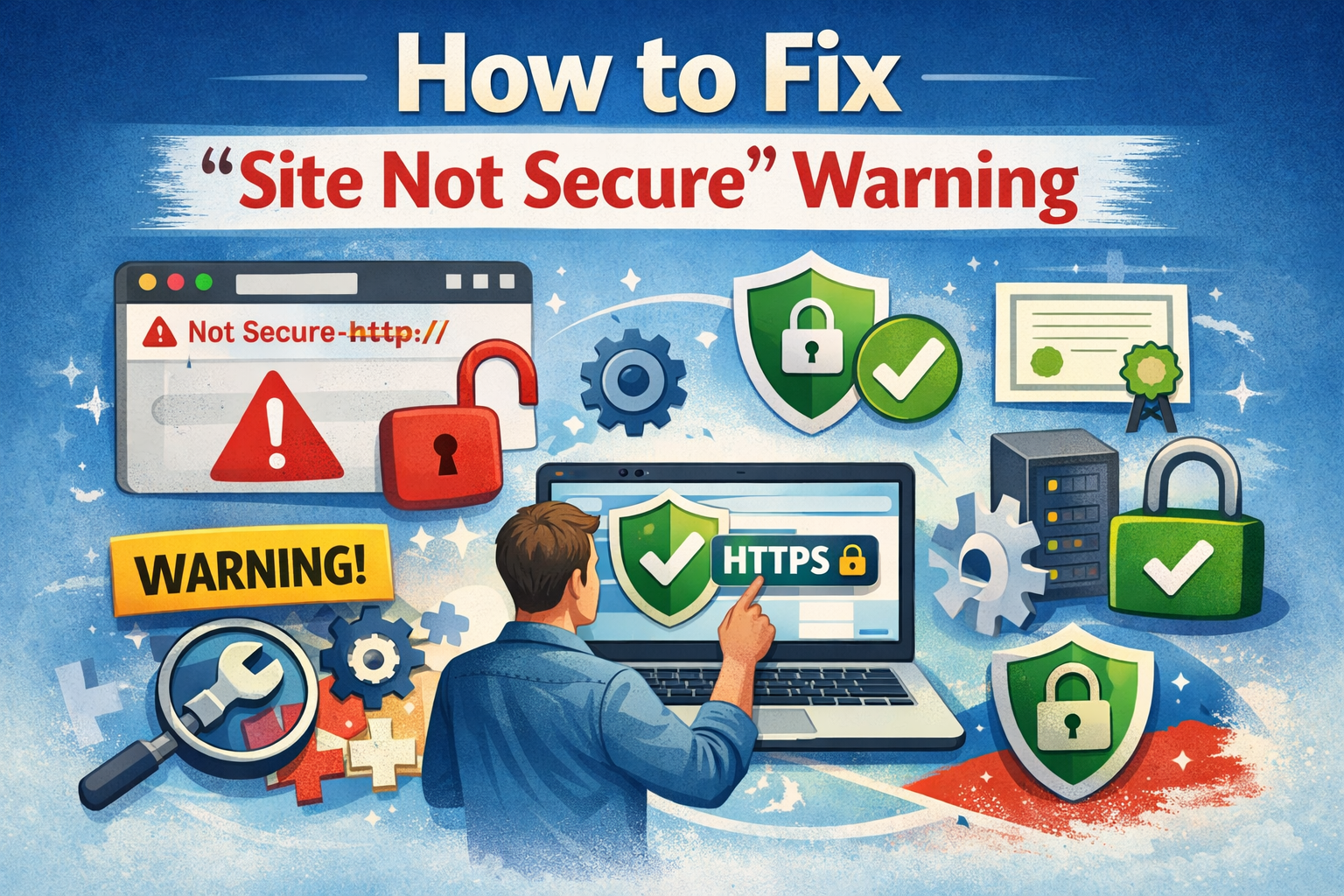
A “Site Not Secure” warning appears when your website lacks a valid SSL certificate or when HTTPS is not properly configured. To fix it, you need to install or renew your SSL certificate, force HTTPS across all pages, and resolve any mixed content errors. Website Ka Doctor handles the complete site not secure fix for Indian businesses — fast, fully managed, and guaranteed.
What Does “Site Not Secure” Actually Mean?
When a visitor opens your website and sees a red padlock or the words “Not Secure” in their browser, it means your site is missing a valid SSL (Secure Sockets Layer) certificate. Without it, the connection between your visitor’s browser and your server is unencrypted.
In practical terms, this warning tells every visitor: “This website may not be safe.” Most people will immediately leave — taking their trust, their inquiry, and their money with them.
Furthermore, Google uses HTTPS as a confirmed ranking signal. Consequently, a site not secure warning directly harms your position in Google search results.
84%
of users abandon a site showing a security warning
#1
HTTPS is a confirmed Google ranking factor since 2014
24hr
Average fix time by Website Ka Doctor team
Why Is Your Website Showing This Warning?
There are several reasons your visitors might be seeing a browser security warning. Understanding the root cause is the first step toward a proper fix.
🚫 No SSL Certificate Installed
Your site runs on HTTP instead of HTTPS. There is no encryption at all, and browsers will flag this instantly on any page that collects data.
🚫 SSL Certificate Has Expired
SSL certificates expire, typically every 12 months. If yours lapsed even a day ago, Chrome and other browsers will immediately show a connection not private error to every visitor.
🚫 Mixed Content Error
Your site has SSL installed, yet some images, scripts, or stylesheets still load over HTTP. This creates a mixed content error and breaks your secure padlock icon.
🚫 HTTPS Not Forced (HTTP Redirect Missing)
Even with SSL installed, if HTTP traffic is not redirected to HTTPS via your .htaccess file, visitors who type your domain without “https://” will still land on an insecure version.
How to Fix “Site Not Secure” — The Complete Process
A proper site not secure fix is not just about installing a certificate. It involves a sequence of steps that must all be completed correctly — otherwise, you will keep seeing errors.
🔒 Still Seeing the “Not Secure” Warning?
Website Ka Doctor will diagnose, fix, and verify your SSL & HTTPS issues completely — no technical knowledge needed on your end.
How This Warning Kills Your Google Rankings
A site not secure warning does far more than scare away visitors. It actively signals to Google that your website is not trustworthy, which directly damages your search rankings.
According to Google Search Console, sites without HTTPS are increasingly being downgraded in search results. Moreover, if your site was previously indexed under HTTPS and reverts to HTTP due to an expired certificate, Google may treat it as a different site entirely.
This is why many businesses turn to google recovery sites services after an SSL lapse — because the ranking drop can happen within days and recovery takes deliberate action through Google Search Console and proper HTTPS re-indexing.
⚠️ Signs Your Rankings Are Already Being Affected
1 Sudden drop in organic traffic with no other explanation
2 Google Search Console showing “URL is not on Google” for your HTTPS pages
3 Bounce rate spiking because visitors leave after seeing the browser warning
4 Your site appearing below competitors who have secure HTTPS connections
Can You Fix It Yourself? Honest Answer
Technically, yes — but the risk is high if you are not familiar with hosting control panels, .htaccess files, and WordPress database settings. A wrong redirect rule, for example, can take your entire website offline.
Additionally, a basic SSL install alone is often not enough. Mixed content errors — where some page elements still load over HTTP — will persist and continue breaking the secure padlock. These require a systematic database-level fix that most hosting panels do not handle automatically.
For most Indian businesses, the safest route is to have a professional handle the insecure website fix end-to-end, so nothing is missed and your site is confirmed clean across all browsers and devices.
Related Services by Website Ka Doctor
1. SSL CERTIFICATE FIX
Install renew & configure SSL correctly.
2. MIXED CONTENT FIX
Fix every HTTP element breaking your padlock.
3. GOOGLE RECOVERY
Restore rankings after HTTPS related drops.
4. WEBSITE SECURITY AUDIT
Full vulnerability check for your site.
What Happens After the Fix?
Once the site not secure issue is properly resolved, the results are immediate and measurable. Your browser padlock returns, visitor bounce rate drops, and your site is once again eligible for Google’s full ranking consideration.
Beyond that, Website Ka Doctor also submits your updated HTTPS sitemap to Google Search Console and requests re-indexing. This is the critical step that most DIY guides skip, and it is what separates a proper google recovery process from an incomplete one.
Additionally, we verify the fix across Chrome, Firefox, Safari, and mobile browsers to make sure no visitor — on any device — sees a warning any longer.
✅ No Downtime
We fix your SSL in the background — your site stays live throughout
✅ Full Mixed Content Fix
Every HTTP element — images, scripts, fonts — updated to HTTPS
✅ Google Resubmission
We notify Google of your secure site to restore rankings faster
✅ 30-Day Guarantee
If the warning returns within 30 days, we fix it again at no cost
Frequently Asked Questions
Website Ka Doctor Team
Website Security & SSL Specialists — India
We are a dedicated team of website security professionals helping Indian businesses fix SSL errors, recover from Google penalties, and keep their online presence safe. Every fix we deliver is backed by a 30-day guarantee. Visit websitekadoctor.com →